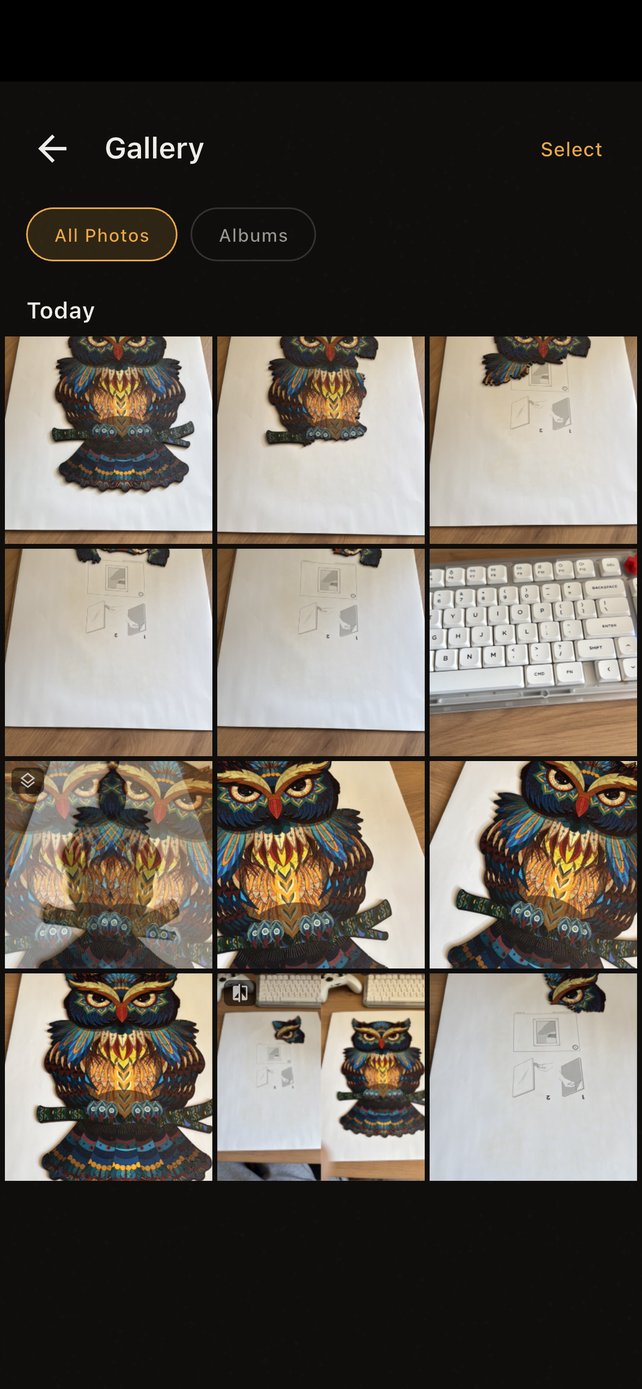
Overlay Alignment
Overlay Alignment
Overlay your previous photo on the viewfinder as a reference. Easily align the same angle and position. No more guessing—shoot at the exact same spot every time.
- Adjust overlay opacity for precise detail alignment
- Drag, pinch-to-zoom, and rotate gestures
- Multiple grid overlays for composition guidance
- Pick reference photos from camera roll or in-app gallery
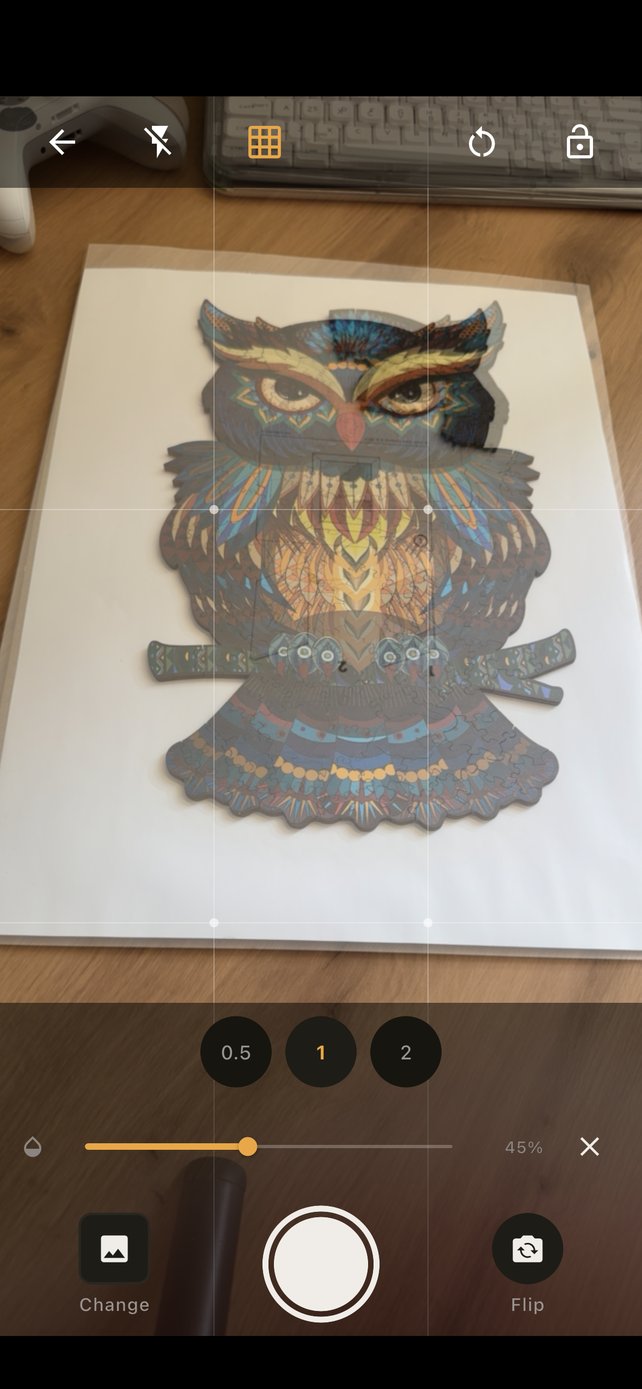
Photo Review
Instant Results
See three results right away: the photo, overlay composite, and before-after comparison. Happy with it? Save or share instantly.
- Photo & Comparison tabs, overlay composite toggle
- One-tap save to device gallery or in-app gallery
- Share directly to social media or messaging apps
- "Set as reference & shoot again" quick workflow
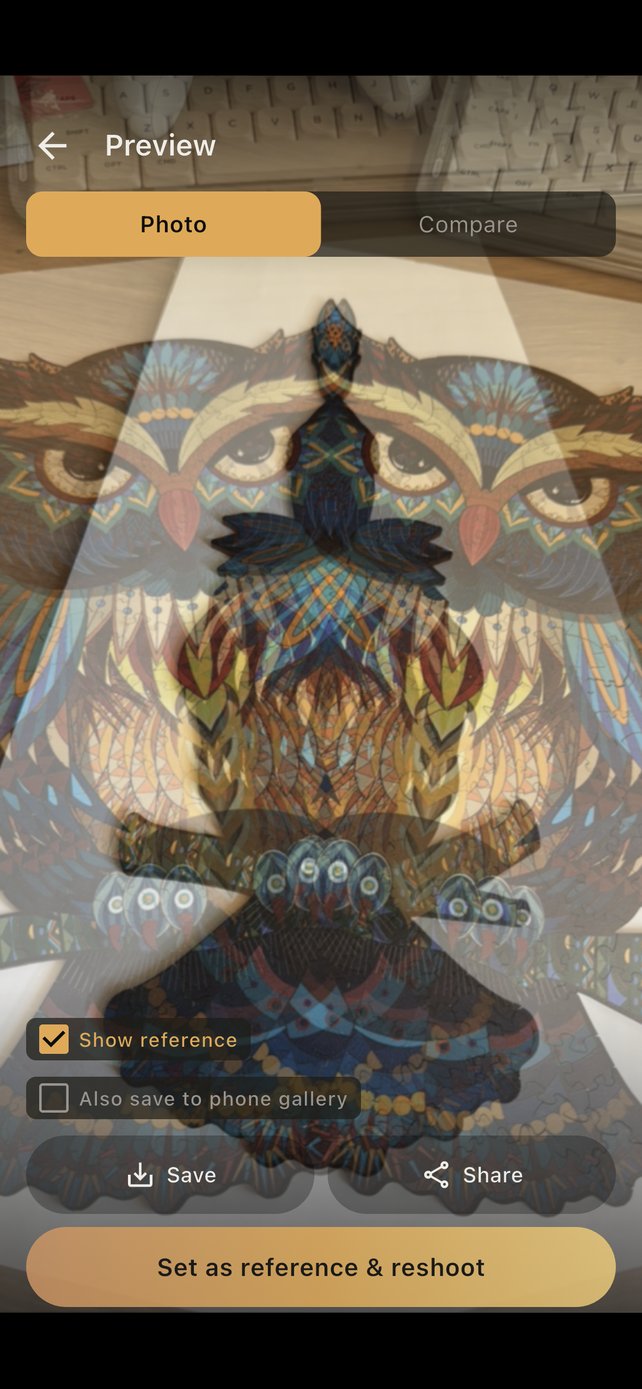
Before & After
One-Tap Before & After
Two photos side by side—see the changes at a glance. Fitness progress, renovation updates, plant growth—all clearly presented.
- Auto-generate side-by-side comparison photos
- Tap to swap left and right photo order
- Save or share comparison results instantly
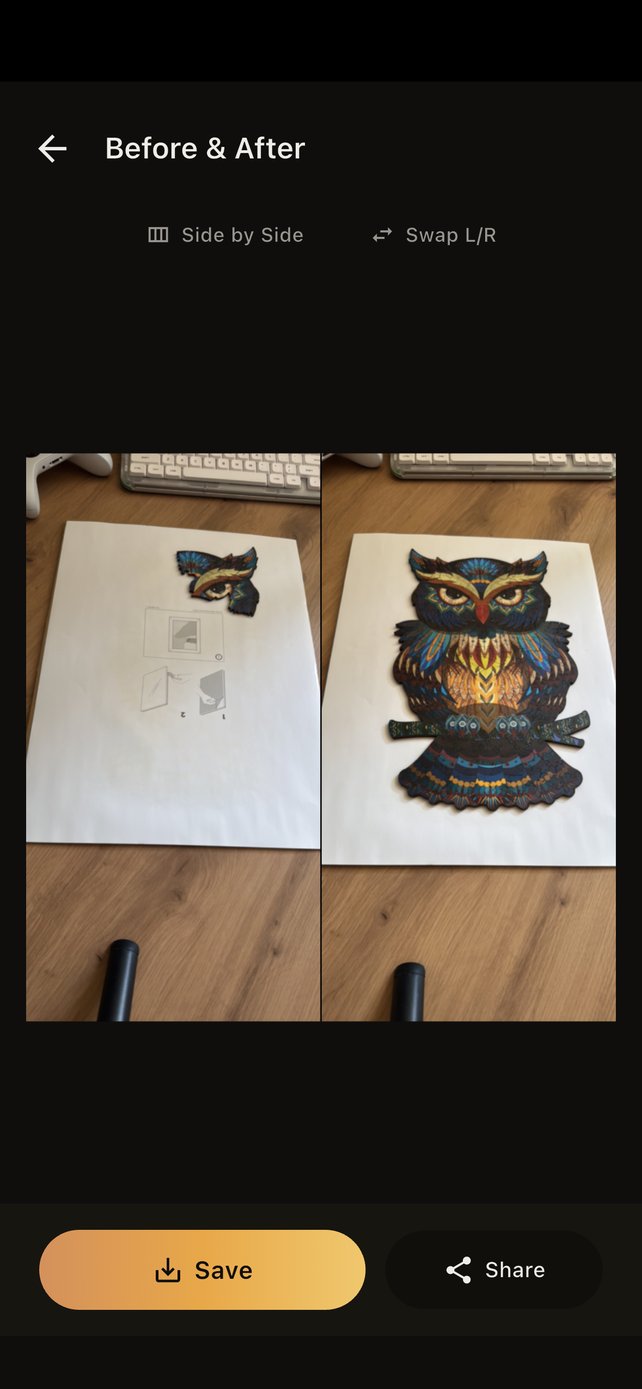
Timelapse
Make Timelapse Videos
Pick a few photos and create a timelapse animation. Months of change condensed into seconds—super fun to share on social media.
- Customize hold duration and crossfade transitions
- Adjustable output FPS and resolution
- Auto-save drafts to continue editing anytime
- Export MP4 video for easy sharing
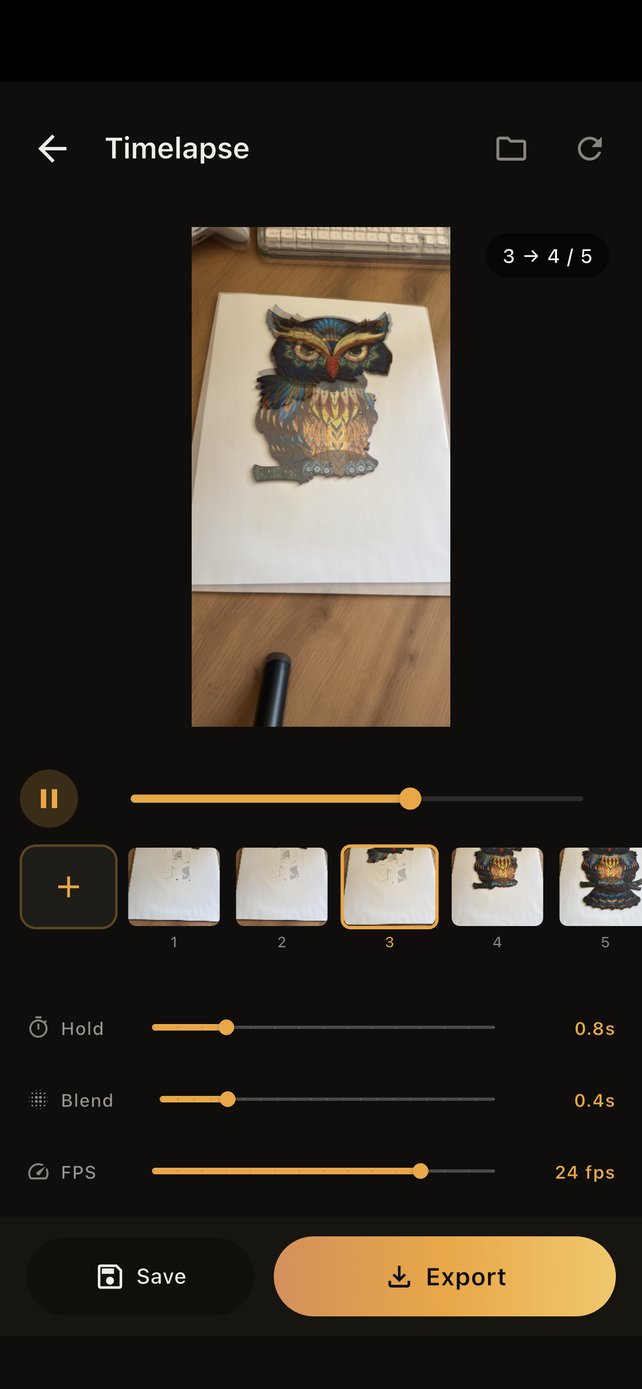
Photo Gallery
Built-in Photo Gallery
All your shots are automatically saved to the in-app gallery with album management, batch operations, and zero cloud storage needed.
- Custom album categories for easy project management
- Multi-select mode: batch delete or export photos
- Photo detail page with swipe navigation
- All data stored offline, fully under your control